

If you choose to offer Punch Passes to members they can be used to log in at your kiosk. Your kiosk might look something like this:

By clicking the Use Punch Pass button you’ll get a window asking you to scan or enter your punch pass:
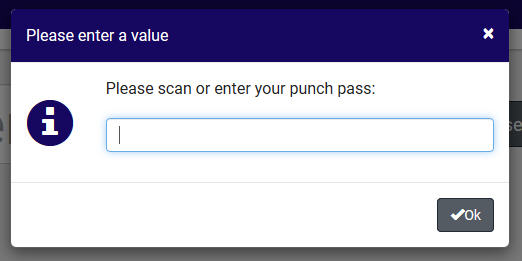
Scanning or entering the code will initiate the login process granted that there are available classes.
~~~Reminder~~~
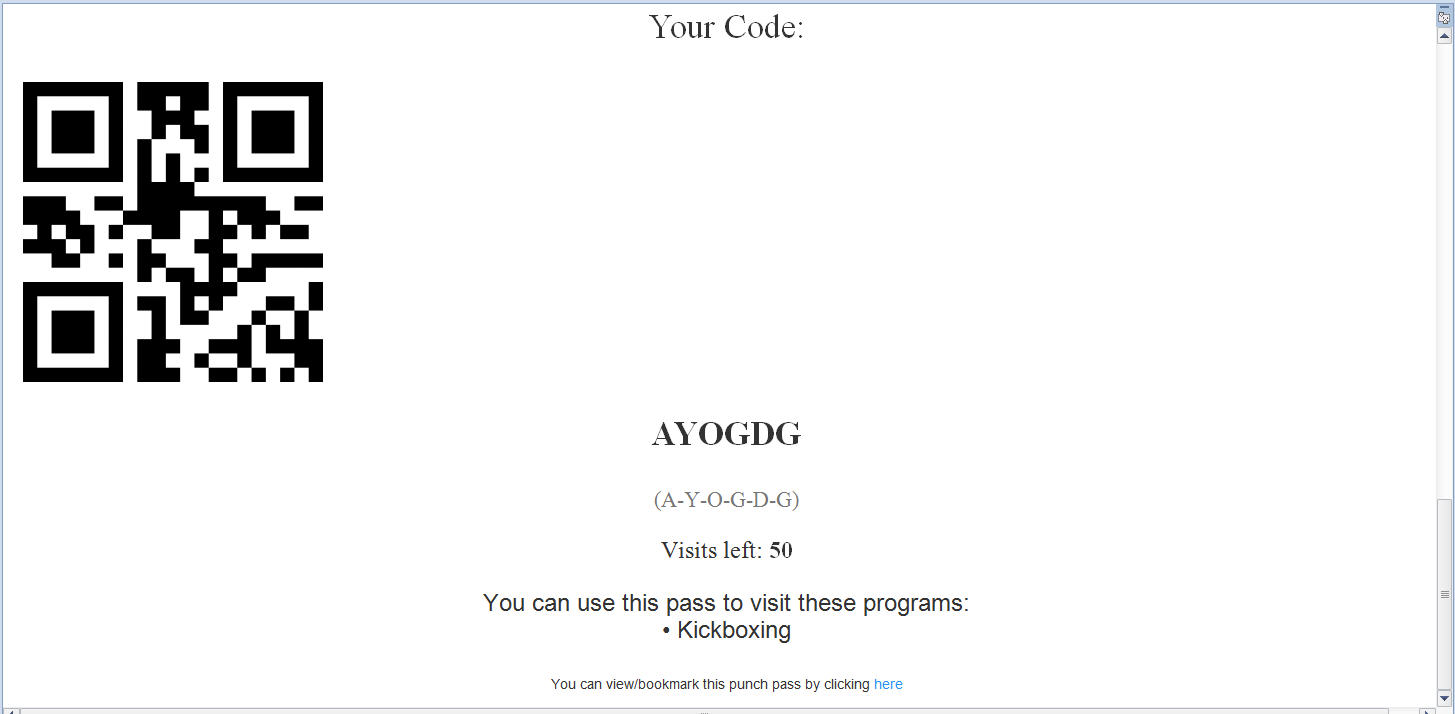
When a member purchases a Punch Pass they receive an email with a QR code that you can scan as well as a character code such as “AYOGDG” that you can type in. The image below is from a sample Punch Pass email:
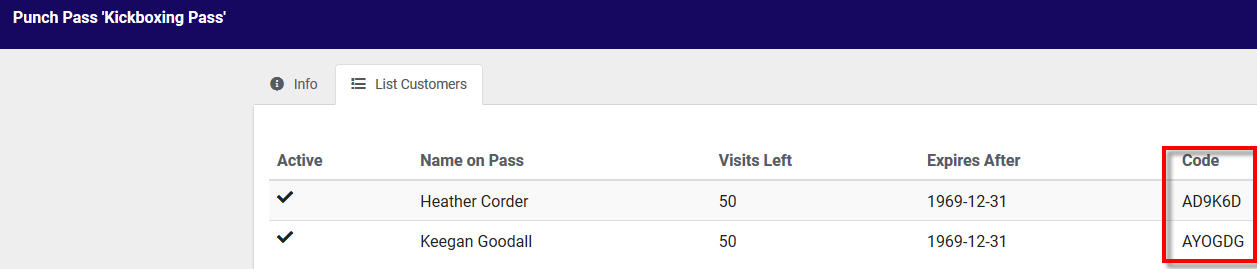
You can also look up the code for a member going to your Billing & Sales option from your Dashboard and choose Punch Cards…
This will take you to a list of Punch Cards where you can click on one to find who has purchased that card and what their code is.
Share this article